

1. Log in to your DirectAdmin Account.
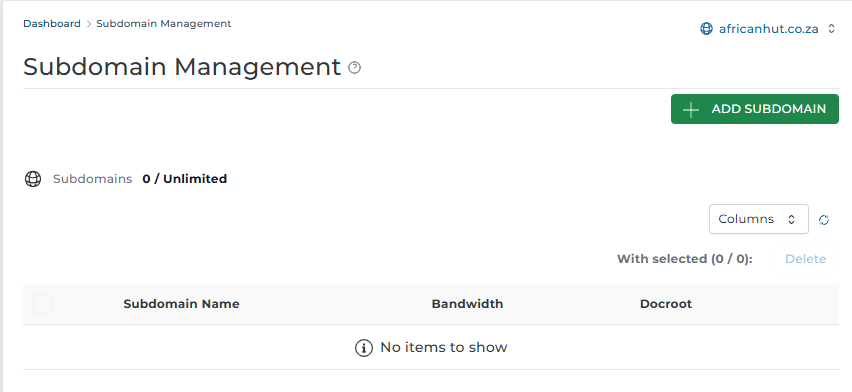
2. On the Control Panel under Account Manager section, click on "Subdomain Management"

3. Click on Add Subdomain on the top right.
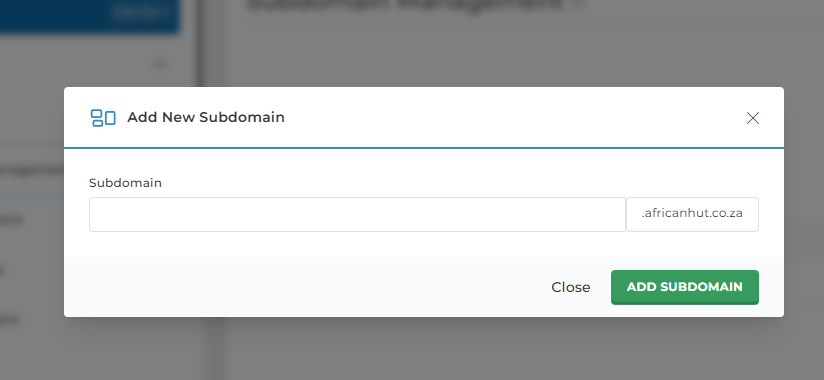
4. Under the Add Subdomain Name, create the subdomain name you want and click Add subdomain.
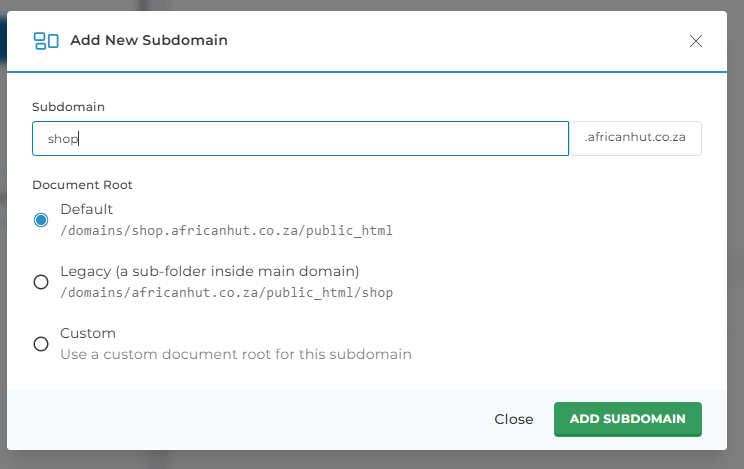
4. Leave all other options as they are
5. After adding the Subdomain you will get a pop-up message displaying "Success"
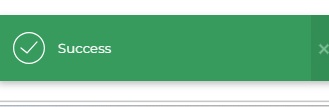
6. And your Sub Domain will be added.
