How to add a subdomain

1. Log in to your DirectAdmin Account.

2. On the Control Panel under Account Manager section, click on "Subdomain Management"

https://sive.host/titfombe/repository/cpannel.png

3. Click on Add Subdomain on the top right.
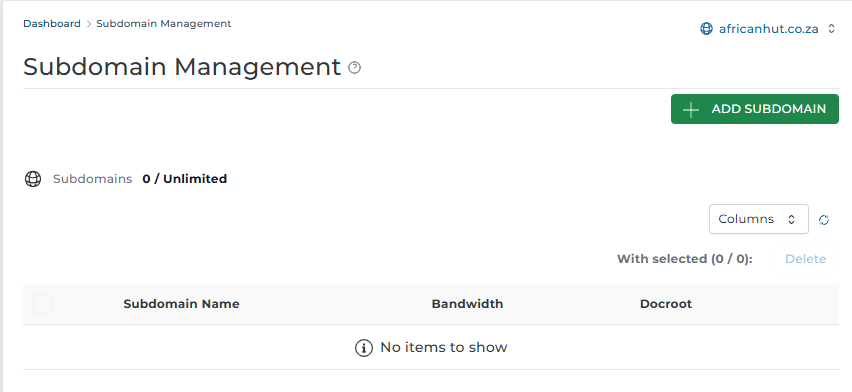
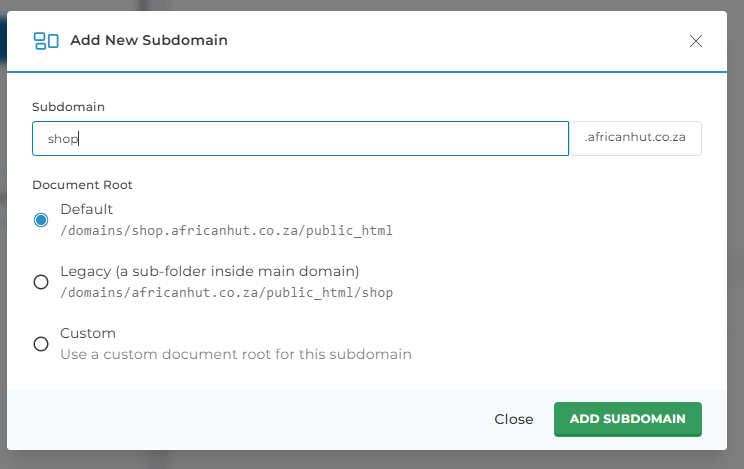
4. Under the Add Subdomain Name, create the subdomain name you want and click Add subdomain.
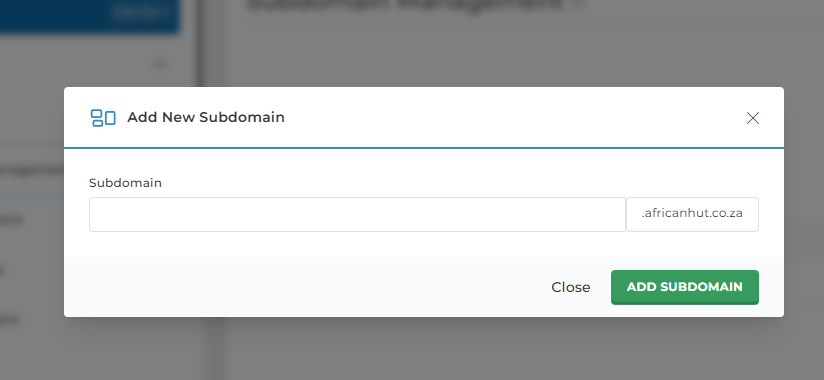
4.  Leave all other options as they are
5. After adding the Subdomain you will get a pop-up message displaying "Success"

https://sive.host/titfombe/repository/success message.png

6. And your Sub Domain will be added. 

  • 0 Uživatelům pomohlo
Byla tato odpověď nápomocná?

Související články

How to Log in to DirectAdmin

After you place an order and make a successful payment, you will receive a welcome email...

How to Log Into DirectAdmin From the Client Area

How do I log into DirectAdmin We begin to login at the Portal Home. This is the Login Page for...

How to Create Emails in DirectAdmin

Creating an Email in DirectAdmin 1. Log in to DirectAdmin. 2. In the left panel menu, click the...

How to Change Your Email Password on DirectAdmin

Changing Your Email Account Password   1. Log in to DirectAdmin. 2. In the left panel menu,...

How to Create a Database in DirectAdmin

How to Create a Database in DirectAdmin Introduction A database is used to store website...